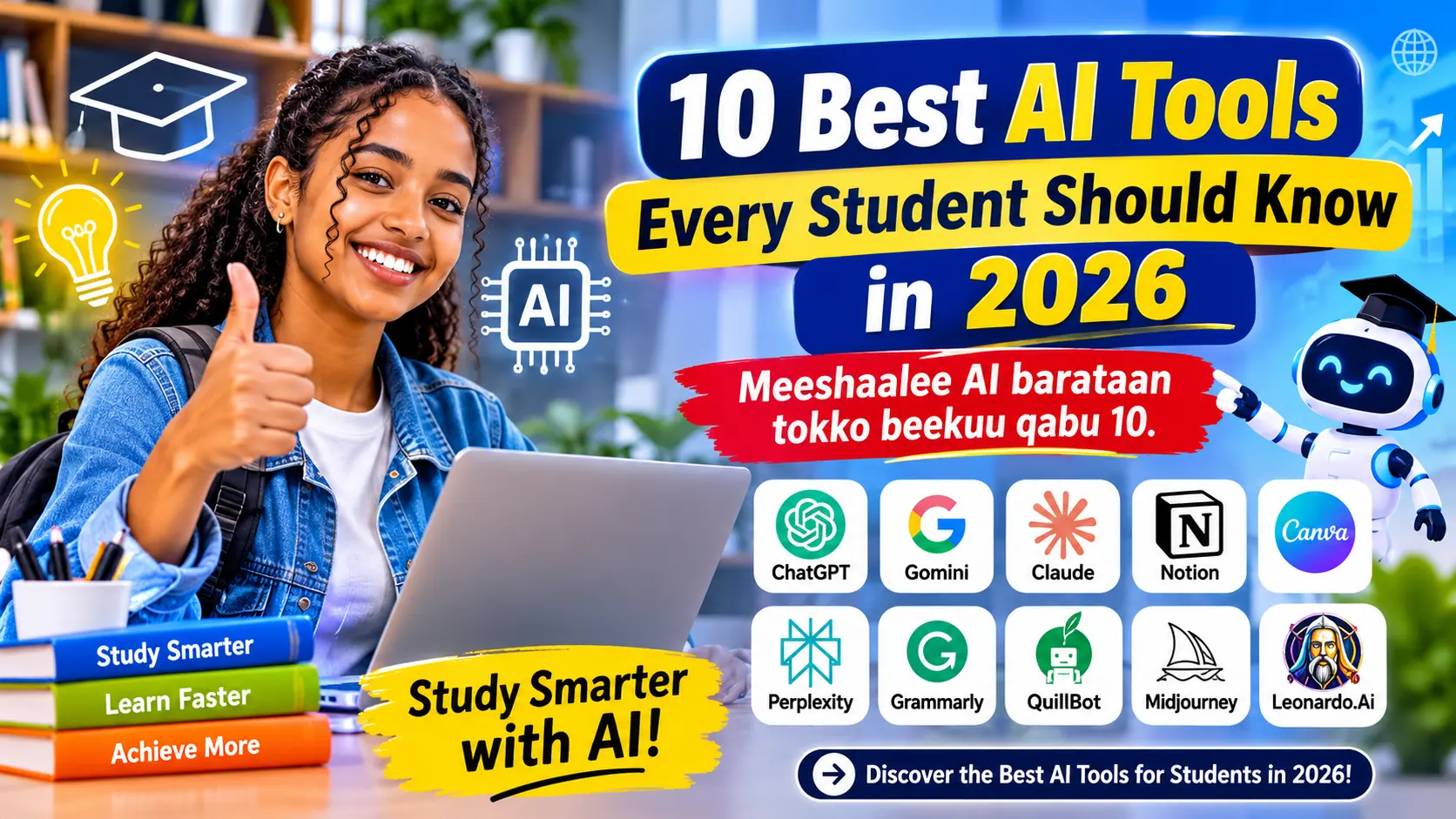

10 Best AI Tools for Students in 2026
Discover powerful AI tools that help students study smarter, improve research, write better and prepare for examinations.
The best AI tools for students in 2026 include ChatGPT, Google Gemini, NotebookLM, Perplexity, Grammarly, Claude, Quizlet, Canva, Wolfram Alpha and GitHub Copilot. The right choice depends on your learning goals.
Education is changing rapidly. Students no longer need to depend entirely on traditional textbooks and classroom explanations. Artificial intelligence can provide additional explanations, practice questions, research assistance and study organisation.
However, choosing the right tool is not always easy. There are hundreds of AI platforms, and not every platform is suitable for every student. Some are excellent for research, others improve writing, while some help with mathematics and programming.
This guide compares ten useful AI tools for students in 2026. You will learn what each tool does, its advantages, limitations and how to choose an appropriate option.
What Are AI Tools for Students?
Barnoota dijitaalaa fi meeshaalee barnootaa dabalataa argachuuf Tade TiruShop Educational Resources daawwadhu.
AI tools for students are digital applications that use artificial intelligence to support learning activities. They can explain difficult topics, organise information, provide feedback and create revision materials.
What Can Students Do With AI?
- Understand difficult classroom concepts.
- Prepare revision notes and flashcards.
- Find and evaluate academic information.
- Improve grammar and writing clarity.
- Practise mathematics and coding.
- Prepare presentations and visual materials.
10 Best AI Tools for Students in 2026
The following tools are selected according to their usefulness for common student activities, accessibility, learning features and practical applications. Features and free-plan limits can change.
ChatGPT
Best for AI tutoring
ChatGPT is a versatile AI assistant that can help students understand difficult subjects, brainstorm ideas, create revision questions and practise explanations. Its Study Mode is designed to guide learning through questions and step-by-step explanations.
How Students Can Use It
- Ask for simple explanations of difficult lessons.
- Generate practice questions for revision.
- Request feedback on a draft written by you.
- Create a weekly study timetable.
Example prompt: "Explain photosynthesis in simple language and ask me five questions to test my understanding."
Advantages
Flexible explanations, practice activities and interactive learning.
Limitations
May produce incorrect information; important answers need checking.
Google Gemini
Best for learning and productivity
Google Gemini is an AI assistant that can help students explore topics, understand concepts, brainstorm projects and work with information. Its learning-oriented features can support guided study rather than simply producing a finished answer.
How Students Can Use It
- Explore unfamiliar subjects.
- Generate ideas for classroom presentations.
- Break complicated topics into smaller lessons.
- Practise questions before examinations.
Expert tip: Ask Gemini to explain a topic at your grade level and provide examples from everyday life.
Visit Google Gemini →Google NotebookLM
Best for studying your own notes
NotebookLM helps students work with their own learning materials. You can add supported documents and sources, ask questions about their contents and create study materials. Its source-grounded approach makes it particularly useful for reviewing class notes.
How Students Can Use It
- Upload supported class notes and readings.
- Ask questions about the uploaded sources.
- Create revision quizzes and flashcards.
- Generate audio-style study summaries where available.
Expert tip: Use your teacher's approved handouts as source material and check answers against the original pages.
Visit NotebookLM →Perplexity AI
Best for research with sources
Perplexity is an AI-powered research and answer engine. It helps users explore questions and discover relevant online sources. Students can use it to begin research, compare explanations and locate material that deserves further investigation.
How Students Can Use It
- Explore a research topic.
- Find sources for further reading.
- Compare different explanations of an issue.
- Check the original sources before citing claims.
Expert tip: Open the original source instead of relying only on an AI-generated summary.
Visit Perplexity →Grammarly
Best for writing improvement
Grammarly is a writing assistant that helps users improve grammar, spelling, punctuation and clarity. It can be useful when preparing essays, reports, emails and other written work.
How Students Can Use It
- Identify grammar and spelling problems.
- Improve sentence clarity.
- Review punctuation and writing style.
- Learn from writing feedback.
Expert tip: Write your own first draft, then use feedback to understand and correct your mistakes.
Visit Grammarly →Claude
Best for understanding long material
Claude is an AI assistant that can help users analyse documents, organise ideas, explain complicated material and review writing. Its usefulness depends on the available features, account eligibility and the rules of the educational environment.
How Students Can Use It
- Ask for explanations of difficult reading material.
- Organise notes into topic summaries.
- Discuss different approaches to a problem.
- Request constructive feedback on writing.
Quizlet
Best for revision and flashcards
Quizlet is a learning platform that helps students review information using flashcards and practice activities. Available AI-supported study features can help turn learning material into revision exercises.
How Students Can Use It
- Practise new vocabulary.
- Review definitions and important concepts.
- Create flashcard-based revision sessions.
- Test knowledge regularly.
Canva
Best for presentations and design
Canva is a visual design platform with AI-powered features. Students can use it to prepare presentations, educational posters, diagrams and other classroom materials. Feature availability depends on the account and plan.
How Students Can Use It
- Design classroom presentations.
- Create educational posters.
- Prepare visual revision materials.
- Organise information into clear diagrams.
Wolfram Alpha
Best for mathematics and science
Wolfram Alpha is a computational knowledge engine useful for exploring mathematical expressions, scientific questions and calculations. It can help students check mathematical work and understand how a result relates to a problem.
How Students Can Use It
- Check mathematical expressions.
- Explore algebra and functions.
- Investigate scientific calculations.
- Compare a result with classroom methods.
GitHub Copilot
Best for programming learners
GitHub Copilot is an AI coding assistant. It can suggest code, explain programming concepts and help developers understand code structure. It is useful for students learning programming, provided they understand and review the generated code.
How Students Can Use It
- Explore programming examples.
- Understand unfamiliar code.
- Identify possible coding errors.
- Practise writing and improving code.
Comparison: Best AI Tools for Students in 2026
Choosing between AI platforms depends on the task. This table compares the ten tools by their main student use and access model. Free access does not necessarily mean unlimited usage.
| AI Tool | Best Use | Access | Learning Level |
|---|---|---|---|
| ChatGPT | Tutoring | Free / Paid | All levels |
| Gemini | Learning | Free / Paid | All levels |
| NotebookLM | Study notes | Free / Paid | All levels |
| Perplexity | Research | Free / Paid | Intermediate / Advanced |
| Grammarly | Writing | Free / Paid | All levels |
| Claude | Reading and analysis | Free / Paid | All levels |
| Quizlet | Revision | Free / Paid | All levels |
| Canva | Design | Free / Paid | All levels |
| Wolfram Alpha | Mathematics | Free / Paid | All levels |
| GitHub Copilot | Programming | Free / Paid | Coding learners |
Best Free AI Tools for Students
Students do not always need expensive subscriptions. Several platforms provide free access, although their features and usage limits differ.
- ChatGPT: start with explanations and study assistance.
- Gemini: explore topics and practise learning.
- NotebookLM: organise your own study sources.
- Perplexity: explore research questions.
- Canva: create visual learning materials.
- Quizlet: review using flashcards.
Always check the official pricing page before subscribing. Free plans, student discounts and regional availability may change.
How to Choose the Best AI Tools for Students
Before creating accounts or paying for subscriptions, identify the learning problem you want to solve.
- Identify your goal. Decide whether you need tutoring, research, writing, mathematics or coding support.
- Compare free plans. Test available features before spending money.
- Check accuracy. Verify important information using textbooks, teachers and reliable sources.
- Protect your privacy. Avoid uploading passwords, personal identification or confidential school records.
- Check school policies. Follow your institution's rules about AI-assisted assignments.
- Measure learning. Choose tools that help you explain concepts independently.
A Practical AI Study Routine
The best results often come from combining a small number of tools rather than using ten platforms at the same time.
- Read the lesson in your textbook or class notes.
- Ask ChatGPT or Gemini to explain unfamiliar concepts.
- Use NotebookLM to review your own learning materials.
- Use Perplexity to explore additional sources.
- Create flashcards with Quizlet.
- Practise without AI to check your understanding.
Advantages and Limitations of AI Tools
Advantages
- Additional explanations.
- Flexible study support.
- Faster organisation of notes.
- More opportunities for practice.
Limitations
- Incorrect or outdated answers.
- Internet and device requirements.
- Free-plan restrictions.
- Risk of becoming dependent on answers.
AI should support independent thinking, not replace it. Students learn more effectively when they attempt problems themselves, ask questions, check answers and practise explaining concepts.
Responsible and Safe Use of AI in Education
Responsible AI use begins with honesty. Students should not present AI-generated work as their own when their school rules prohibit it. AI responses can contain fabricated references, incorrect figures and misleading explanations.
- Use AI to understand a subject rather than avoid learning it.
- Check references and facts before using them.
- Respect copyright and the privacy of other people.
- Ask teachers when assignment rules are unclear.
- Never share sensitive personal information with an AI service.
Frequently Asked Questions
1. What are the best AI tools for students in 2026?
ChatGPT, Gemini, NotebookLM, Perplexity, Grammarly, Claude, Quizlet, Canva, Wolfram Alpha and GitHub Copilot are useful options for different educational tasks.
2. Which AI tool is best for studying?
ChatGPT and Gemini can explain concepts, while NotebookLM is useful for studying your own uploaded materials.
3. Are there free AI tools for students?
Yes. Several tools provide free plans or limited free access. Check their official websites for current conditions.
4. Can AI help students prepare for examinations?
Yes. Students can use AI to generate practice questions, explain difficult topics and organise revision materials. They should also practise without AI.
5. Can AI replace teachers?
No. AI can provide additional learning support, but teachers provide human guidance, classroom interaction and educational judgement that AI cannot fully replace.
6. Which AI tool is best for research?
Perplexity is useful for discovering online sources, while NotebookLM can help analyse materials you provide. Always verify the original publications.
7. Can students use AI on mobile phones?
Many of these services offer mobile apps or mobile-friendly websites. Availability and features depend on the device, account and country.
8. How many AI tools should a student use?
Start with two or three tools that solve your main learning needs. Add others only when they provide a clear benefit.
Conclusion: Choose the Best AI Tools for Students
The best AI tools for students in 2026 can make learning more organised, interactive and accessible. ChatGPT and Gemini support explanations, NotebookLM helps with study materials, Perplexity supports research and Grammarly improves writing. Other platforms offer specialised support for design, mathematics, revision and programming.
Remember that the best tool is not necessarily the most expensive or the most popular. It is the one that helps you understand information, think independently and achieve your learning goals.
Start Learning Smarter Today!
Choose one AI tool, explore its features and use it responsibly in your next study session. Share this guide with classmates who want to improve their learning.
Explore More on FayidaShop
Visit FayidaShop for more educational technology, digital learning, finance and technology articles.
Explore FayidaShop →Official Sources and Further Reading
- OpenAI – ChatGPT Study Mode
- Google – NotebookLM
- Google – Gemini
- Perplexity AI
- Grammarly
- Canva
- GitHub Copilot
Disclaimer: Features, pricing, free-plan limits and availability may change. Check each provider's official website before making a subscription decision.